As the push for a paperless lifestyle grows, consumers are faced with an overwhelming number of tools promising to digitize their handwriting. If you search for digital writing solutions, you will likely encounter two very different categories of products that sound incredibly similar.
On one side, you have high-end digital tablets that mimic paper. On the other side, you have physical spiral-bound books that claim to sync to the cloud. If you are wondering exactly what is a smart notebook and how it compares to an electronic paper display, you are not alone. This guide will break down the differences, costs, and workflows of both hybrid note taking methods to help you choose the right tool for your desk.
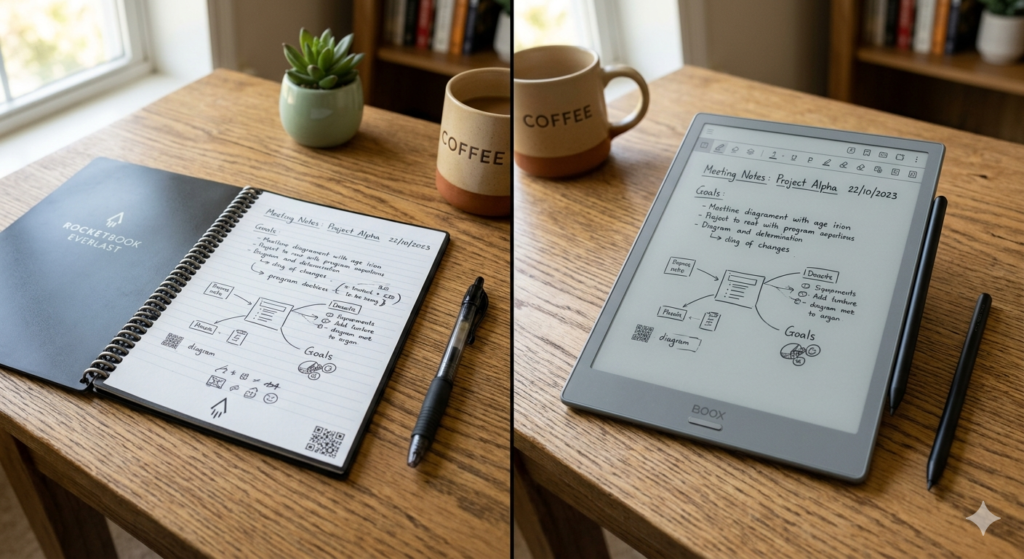
What is a Smart Notebook? (The Low-Tech Approach)
The term “smart” can be slightly misleading here, as the notebook itself contains no batteries, screens, or computer chips. The intelligence actually lives in your smartphone camera.
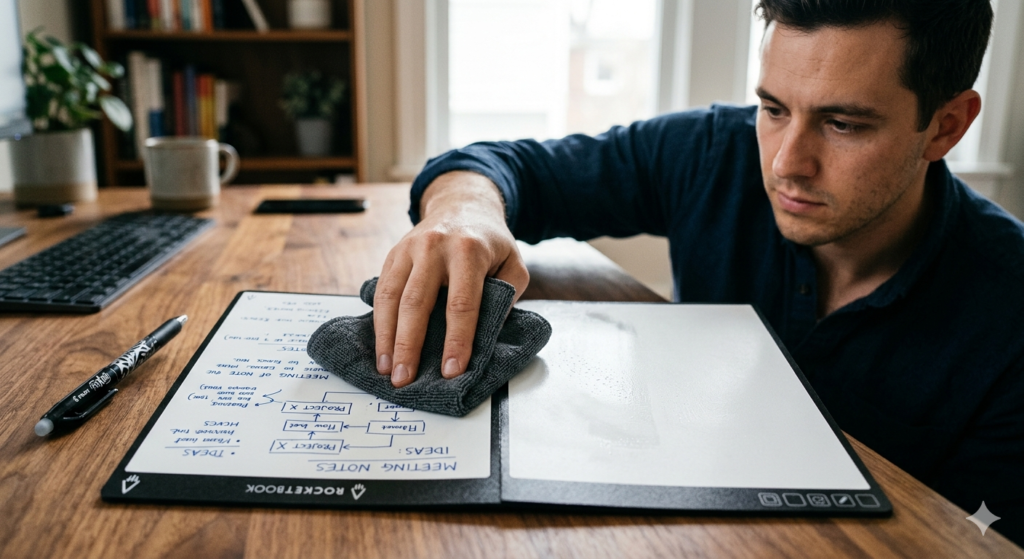
A smart notebook is a physical, reusable notebook that features specialized synthetic or erasable paper. Users write with specific ink pens, scan the pages using a companion smartphone app to digitize and send notes to the cloud, and then wipe the physical pages clean with water or heat to reuse them.
This system bridges the gap between traditional writing and digital storage. It is the ultimate form of hybrid note taking. You get the exact tactile sensation of real ink flowing onto a page, but the final destination of that data is a digital folder.
What is an E-Ink Tablet? (The High-Tech Approach)
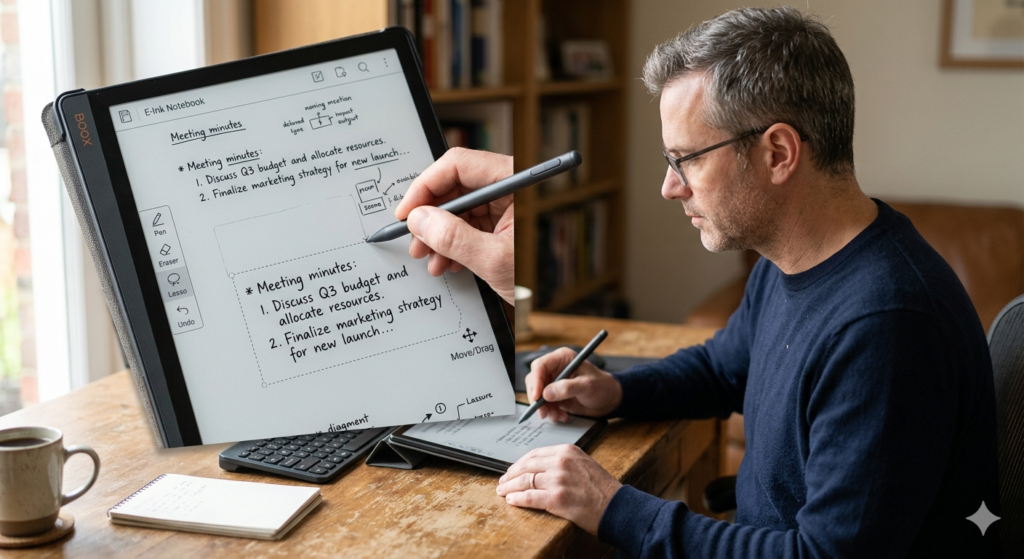
Unlike a physical notebook, an E-Ink tablet is a fully functional computer. Instead of an LCD screen, it utilizes electronic paper technology to display digital ink.
When you write on an E-Ink device, a digital stylus communicates with the screen to arrange microscopic pigment particles in real-time. There is no physical ink involved. Everything is rendered digitally, allowing you to undo strokes, copy and paste paragraphs, and search your handwritten text instantly.
These devices offer a distraction-free environment that feels similar to paper but behaves like a computer. They are ideal for users who want to carry thousands of pages or read heavy PDF files without eye strain.
Head-to-Head Comparison: Workflows and Syncing
To determine which tool fits your life, we must look at how the information moves from the page to your computer.
The Rocketbook vs iPad and E-Ink Debate
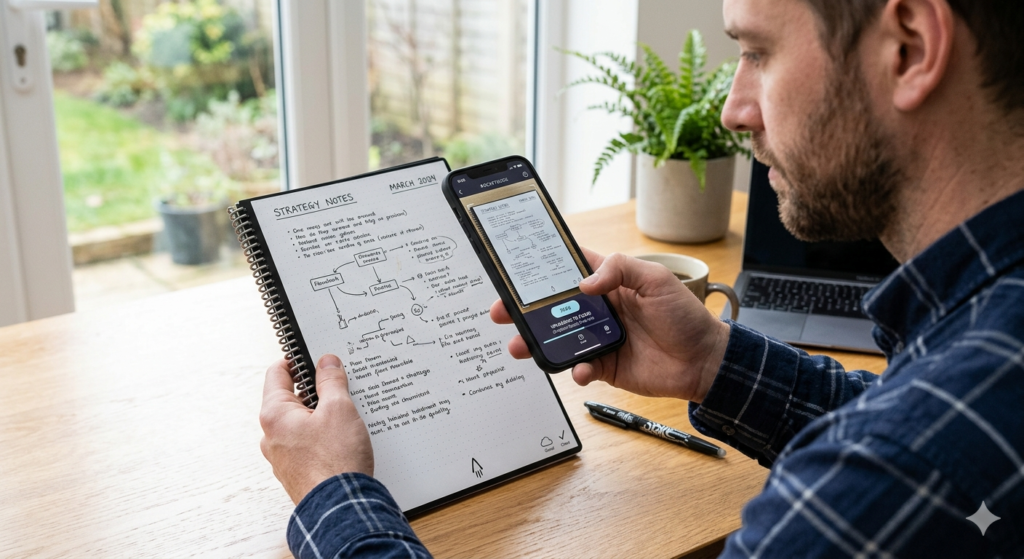
When comparing a popular smart notebook brand (like Rocketbook) to a digital tablet, the main difference is the syncing friction. With a smart notebook, you must actively pause your work, open your phone, align the camera, and take a photo of the page to digitize it.
With an E-Ink tablet or an iPad, the syncing happens automatically in the background via Wi-Fi. Every stroke is saved the moment you make it.
Tactile Experience vs. Digital Convenience
A reusable smart notebook wins heavily on the tactile front. Because you are using a real pen with real liquid ink, there is zero learning curve. However, if you make a mistake, you have to cross it out or use a wet cloth to erase it.
Digital tablets offer the ultimate convenience of an “Undo” button and infinite scrolling pages. They fit perfectly into the broader organizational strategies discussed in our guide on How to Go Paperless at Home: The Complete Setup Guide, but they require you to get used to the slight slippage of a plastic stylus on a glass or matte screen.
Which One is Right for You?
Choosing between these two technologies comes down to your budget and your tolerance for digital friction.
A reusable notebook is highly affordable, usually costing less than a nice dinner. It is virtually indestructible, requires no charging, and completely eliminates the ongoing cost of buying new paper notebooks. It is perfect for students, casual journalers, or professionals who only need to digitize occasional meeting notes.
An E-Ink tablet is a premium investment. It is designed for power users, researchers, and professionals who manage hundreds of pages of notes daily and require instantaneous cloud syncing, searchable handwriting, and PDF annotation capabilities.
Conclusion
Understanding what is a smart notebook compared to an E-Ink tablet clears up much of the confusion in the paperless market. One is an analog tool with a digital bridge; the other is a fully digital environment designed to mimic an analog feel.
If you simply want to reduce your paper waste without spending hundreds of dollars, the erasable paper route is highly practical. If you want a comprehensive, searchable database of your entire intellectual life, the electronic paper tablet is the superior long-term choice.
Frequently Asked Questions (FAQ)
1. Do I need special pens for a smart notebook?
Yes. Most smart notebooks require specific pens, such as the Pilot FriXion line. These pens use a unique thermo-sensitive gel ink that turns clear when exposed to heat or can be wiped away with a damp cloth from synthetic pages.
2. How many times can you reuse a smart notebook?
If cared for properly, you can reuse the pages indefinitely. However, pressing too hard with the pen can leave physical indentations (ghosting) in the synthetic paper over time, which may eventually degrade the writing experience.
3. Do E-Ink tablets require special pens?
E-Ink tablets require a digital stylus, usually powered by EMR (Electromagnetic Resonance) technology. These styluses do not need batteries or charging, but the plastic nibs at the tip will slowly wear down from friction and need to be replaced every few months.
4. Can a smart notebook translate my handwriting to typed text?
Yes. Many companion apps for smart notebooks feature OCR (Optical Character Recognition) technology. When you scan the page, the app attempts to read your handwriting and can attach a typed transcription to the email or digital file it creates.
5. Are smart notebooks waterproof?
The synthetic pages of most smart notebooks are highly water-resistant, which is why a damp cloth is used to erase them. However, if you spill water on a page full of notes before scanning it, the liquid ink will smear or wash away completely.