You just purchased a high-end tablet and a premium digital stylus, ready to digitize all your notebooks. You open a blank document, confidently press the pen to the screen, and your handwriting looks like an illegible scribble. The pen slides wildly across the surface, and within ten minutes, your hand is cramping.
This is the most common frustration for individuals transitioning to digital note-taking. Standard tablets are engineered for swiping fingers, not for the precise drag of a pen. If you are struggling with this slippery sensation, this guide will analyze the debate of writing on glass vs paper feel, explaining the physics of stylus friction and how to customize your device for maximum comfort.
The Physics of the Tablet Surface
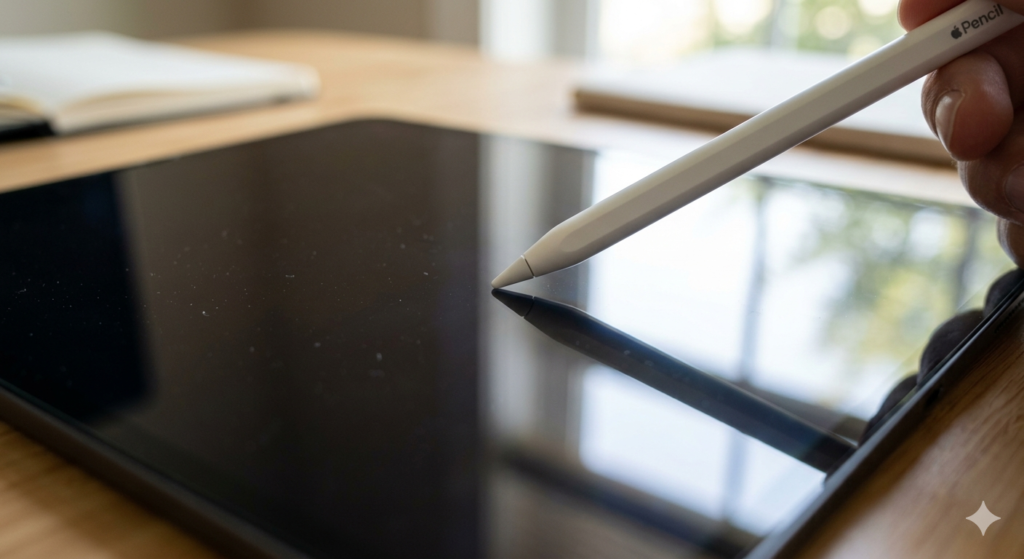
To understand why your handwriting suffers, we must look at the surface materials. Modern multimedia tablets use tempered glass because it is highly durable, scratch-resistant, and provides perfect optical clarity for watching videos.
Writing on glass vs paper feel compares the frictionless, smooth glide of a hard plastic stylus tip on a standard tablet screen to the controlled, textured drag of a stylus operating on a matte surface designed to replicate the microscopic fibers of real physical paper.
When you write in a physical notebook, the paper fibers physically grab the graphite or ink. This microscopic resistance is what allows you to control the stops and starts of your letters. Bare glass provides zero resistance.
Stylus Friction and Writing Ergonomics
The lack of resistance on a digital screen does not just make your handwriting look messy; it physically impacts your hand. Without the natural feedback of paper, your brain struggles to gauge how much pressure to apply.
This deficit directly impacts your writing ergonomics. To compensate for the slippery surface, most users subconsciously grip the stylus much tighter and press down harder than they would with a normal pen. Over a long meeting or lecture, this overcompensation leads to severe hand cramping, wrist fatigue, and joint tension.
Achieving a true paperlike feel is essential for long-term comfort. It requires introducing a micro-textured surface that catches the stylus tip just enough to create drag. This tactile feedback tells your brain exactly where the pen is, allowing your grip to relax to a natural state.
How to Improve the Tactile Experience
Fortunately, you do not have to buy a completely new device to fix this issue. You can modify your current tablet’s surface using specific accessories.
The most effective method is altering the screen protector texture. Applying a specialized, high-quality paper-texture screen protector adds a layer of microscopic abrasions over the glass. This simple modification slows down the pen stroke, provides satisfying acoustic feedback (a slight scratching sound), and instantly improves handwriting legibility.
Alternatively, you can change the pen tip itself. Some stylus manufacturers offer soft felt or rubberized nibs that create more drag against bare glass. When establishing your permanent digital workflow, as outlined in our core guide on How to Go Paperless at Home: The Complete Setup Guide, prioritizing this physical comfort is vital to ensure you actually maintain the habit.
The Trade-Offs: Clarity vs. Texture
Before modifying your screen, it is important to understand the inherent trade-offs. You cannot add physical texture without altering how light travels through the display.
Because matte protectors feature microscopic bumps to create stylus friction, they scatter the light emitting from the pixels below. This creates a slight “rainbow effect” or a subtle graininess on solid white backgrounds. It also slightly reduces the overall sharpness and color vibrancy of the screen.
If you use your tablet primarily for photo editing or watching high-definition movies, a textured film will degrade that experience. However, if your tablet is primarily a productivity tool for reading, writing, and drafting, the ergonomic benefits heavily outweigh the slight loss in optical clarity.
Conclusion
The debate between writing on glass vs paper feel ultimately comes down to identifying the primary purpose of your device. Standard glass is unmatched for media consumption, but it is ergonomically hostile to long-form writing.
By understanding the relationship between surface friction and muscle tension, you can make informed modifications to your hardware. Whether you apply a textured film or swap your stylus nibs, adding physical resistance to your digital canvas transforms a slippery, frustrating task into a comfortable and highly precise workflow.
Frequently Asked Questions (FAQ)
1. Does a textured screen protector wear down my stylus tip faster?
Yes. Because the screen protector introduces physical friction (like very fine sandpaper), it will wear down a hard plastic stylus nib much faster than bare glass. You should expect to replace your stylus nibs every few months if you write heavily on a textured surface.
2. Can I use a tempered glass protector and still get a paper feel?
Generally, no. Standard tempered glass protectors are designed to be as smooth as the original screen. While they offer excellent drop protection, they do not provide the necessary micro-texture to create stylus drag. You must specifically look for “matte” or “paper-feel” films.
3. Do E-Ink tablets have a glass or paper feel?
Most dedicated E-Ink note-taking tablets (like the reMarkable 2 or Supernote) are manufactured with a textured top layer directly from the factory. They are specifically engineered to mimic the feel of paper right out of the box, avoiding the slippery glass problem entirely.
4. Will a matte screen protector reduce glare?
Yes. The same micro-texture that creates writing friction also diffuses ambient light. This significantly reduces harsh reflections from overhead lights or the sun, making it much easier to read and write outdoors.
5. How do I clean a textured screen protector without ruining it?
Use a slightly damp, clean microfiber cloth. Wipe gently in circular motions. Do not use harsh window cleaners, alcohol-based wipes, or heavy pressure, as these can wear away the delicate micro-abrasions that provide the paper-like texture.